What is this game
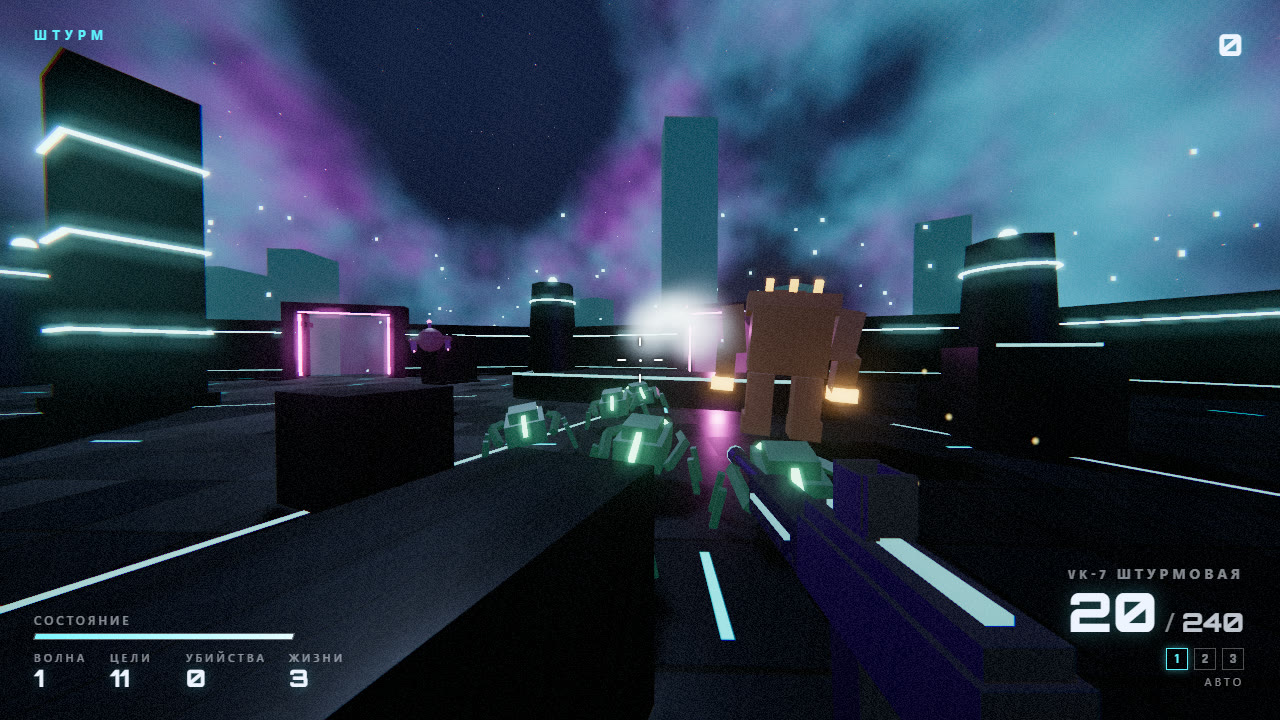
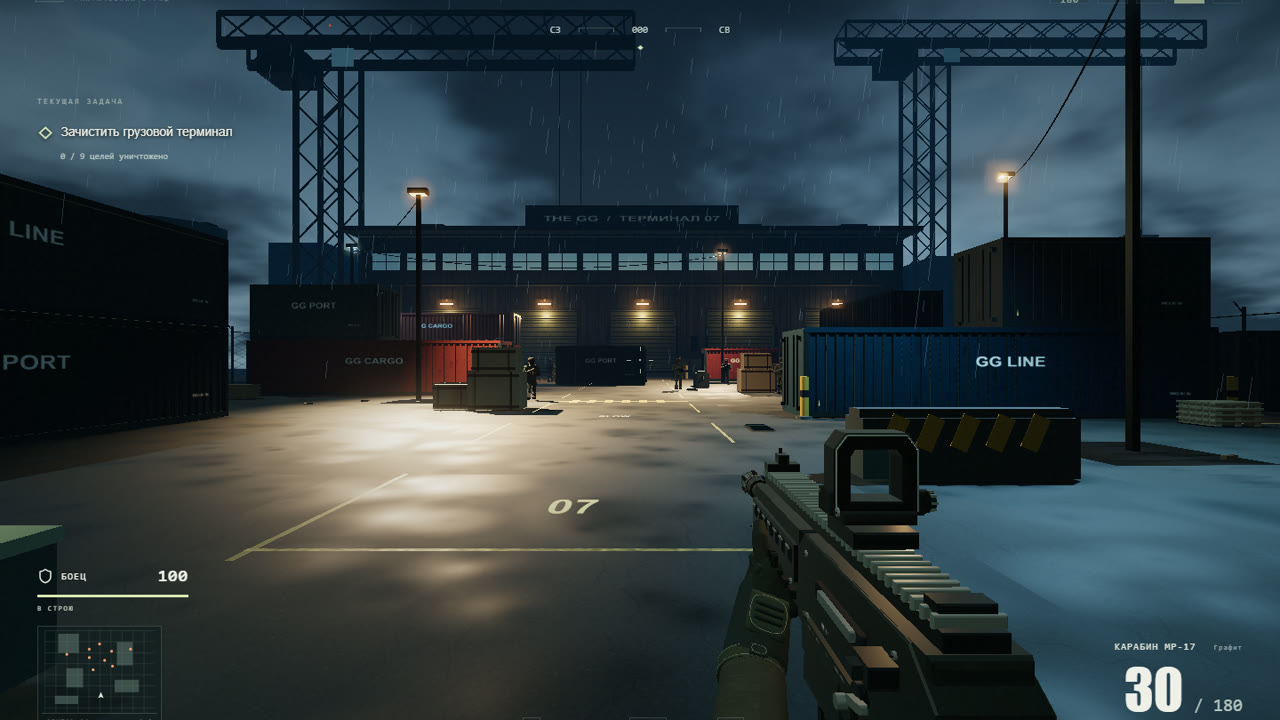
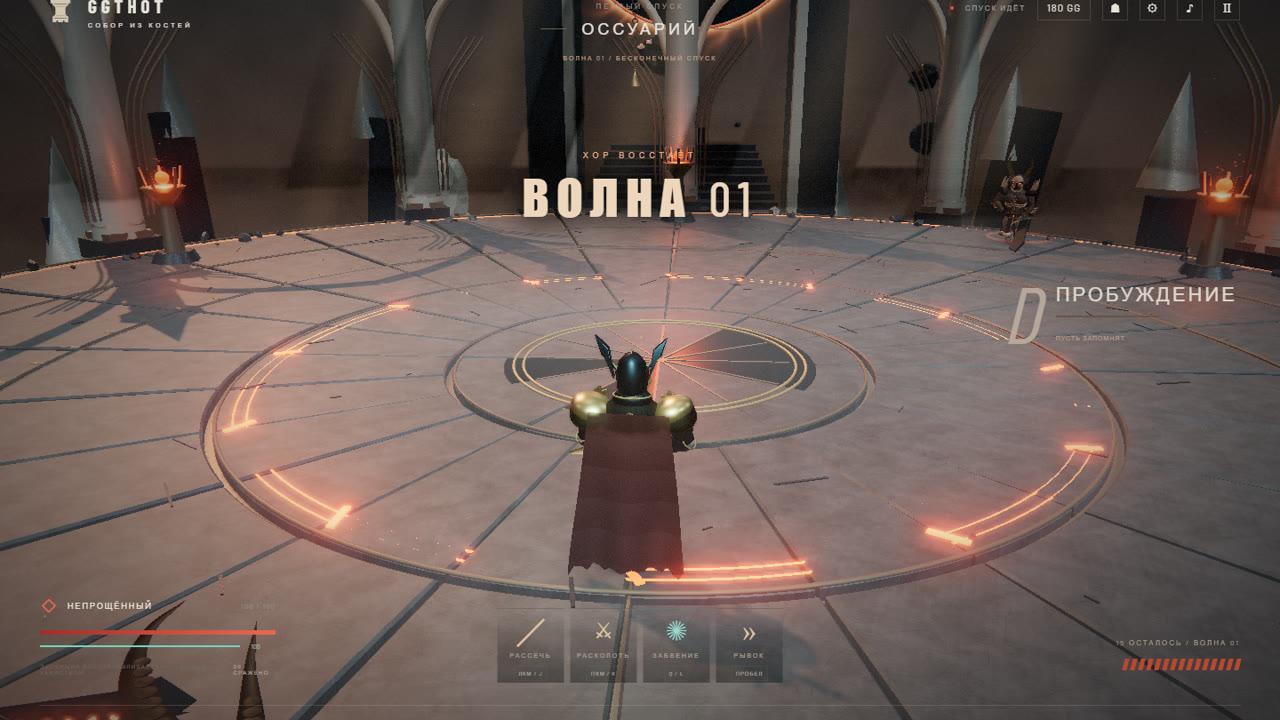
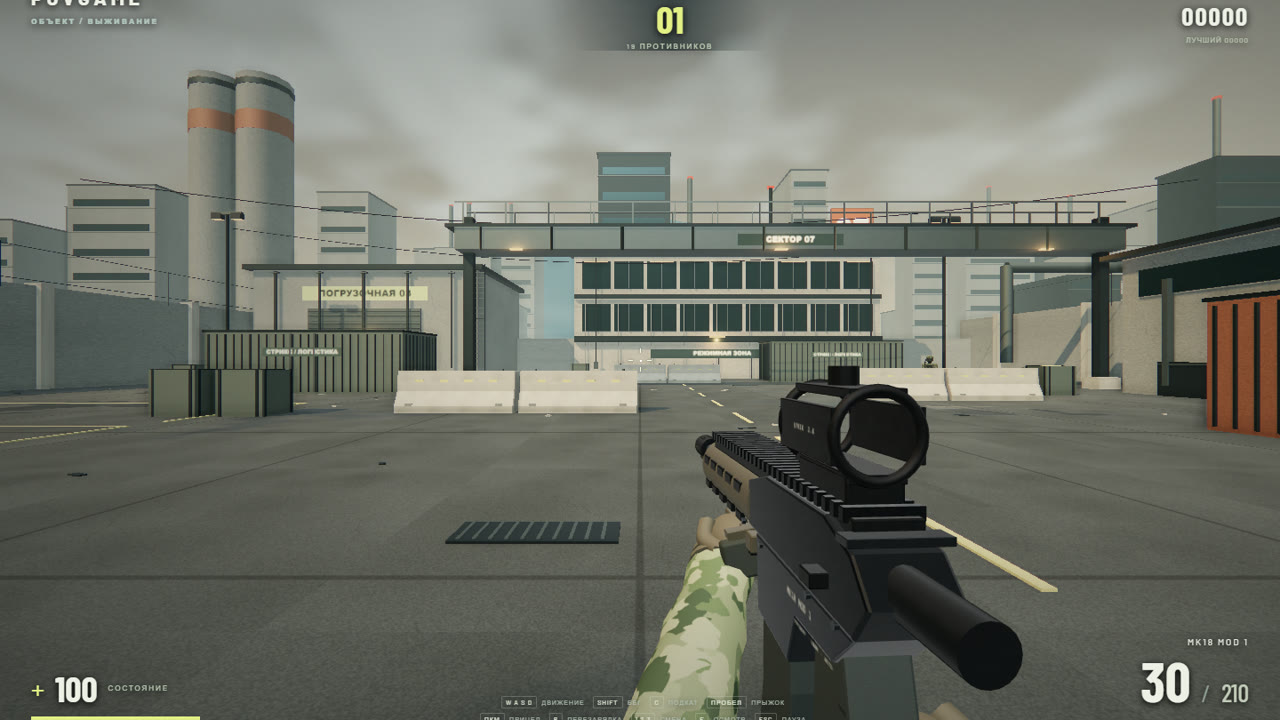
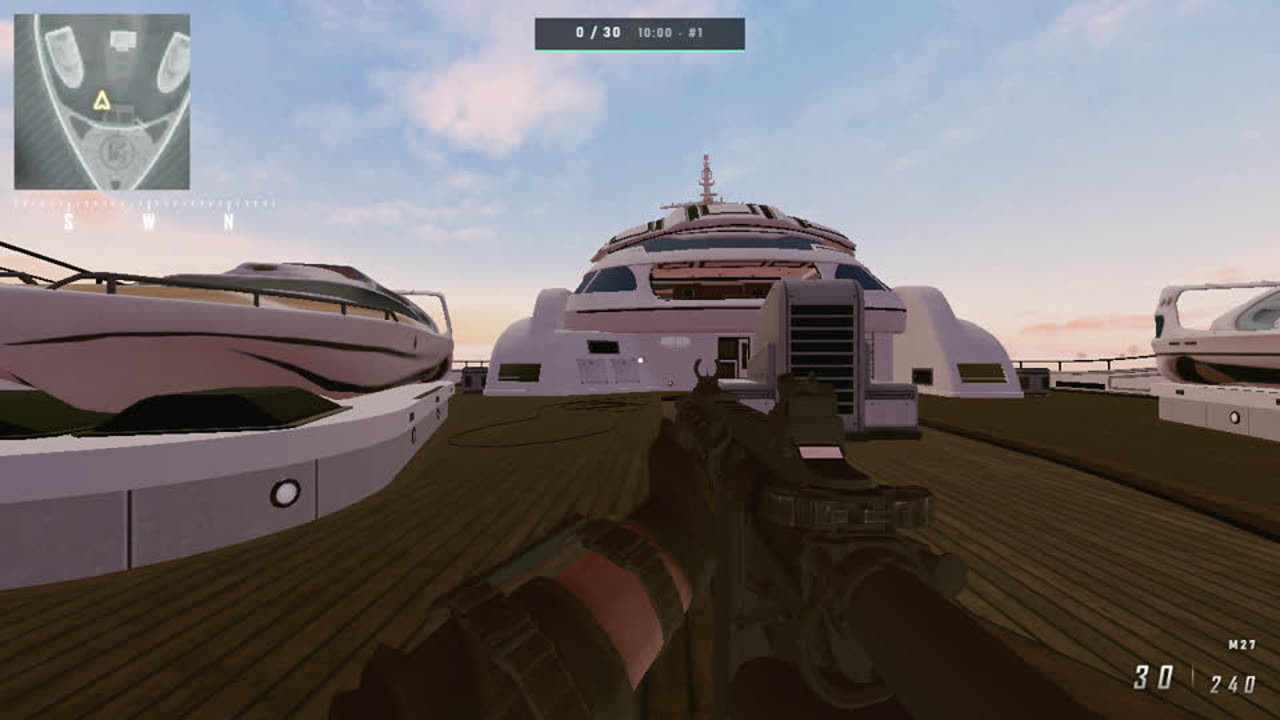
A yacht deck, narrow passages between the superstructures and opponents that move around the map with purpose instead of charging head-on. Nine guns with honest recoil, aiming and reloading. There are three modes: deathmatch to thirty kills, a short skirmish to twelve and eight waves with three lives.
The game runs right in the browser: no client to download, no launcher to install, no hunting for a working build. Open the page and play. Your balance and purchases are stored on the server, so you can pick them up from another device.
How to start playing THE GUNE
- Open the game page and pick a mode: deathmatch, skirmish or waves.
- Pick a gun that suits you: for the first matches, one that fires in bursts and forgives misses is easier.
- Stay near the superstructures and never stand on the open deck for more than a couple of seconds.
Features
- Nine guns. Different recoil, rate of fire and range — plenty to choose from for your style.
- Three modes. Deathmatch (30 kills, 10 minutes), skirmish (12 kills, 5 minutes) and survival waves.
- Weapon skins. Fifteen patterns across five rarities, from 120 to 2400 GG — looks only.
- Phone and PC. On-screen controls on touchscreens and five graphics presets.
Tips for beginners
The yacht is full of corners and stairs, so fights almost always start at close range. Keep your crosshair at head height before you step round a corner, and reload right after a kill, before the next opponent arrives. In waves mode lives do not come back: falling back to a superstructure beats heroics on the open deck.
If the picture stutters, lower the graphics quality in settings and close spare tabs — browser games share video memory with everything else that is open.
Questions and answers
Do I need to download THE GUNE?
No. The game runs in the browser — just open the page.
How much does it cost?
Playing is free. GG buys weapon skins only, and they have no effect on combat.
Can I play on a phone?
Yes: a joystick and buttons appear on touchscreens, no separate app is needed.
What if the game does not open?
Reload the page, make sure your browser is up to date and turn off ad blockers for gggame.fun.